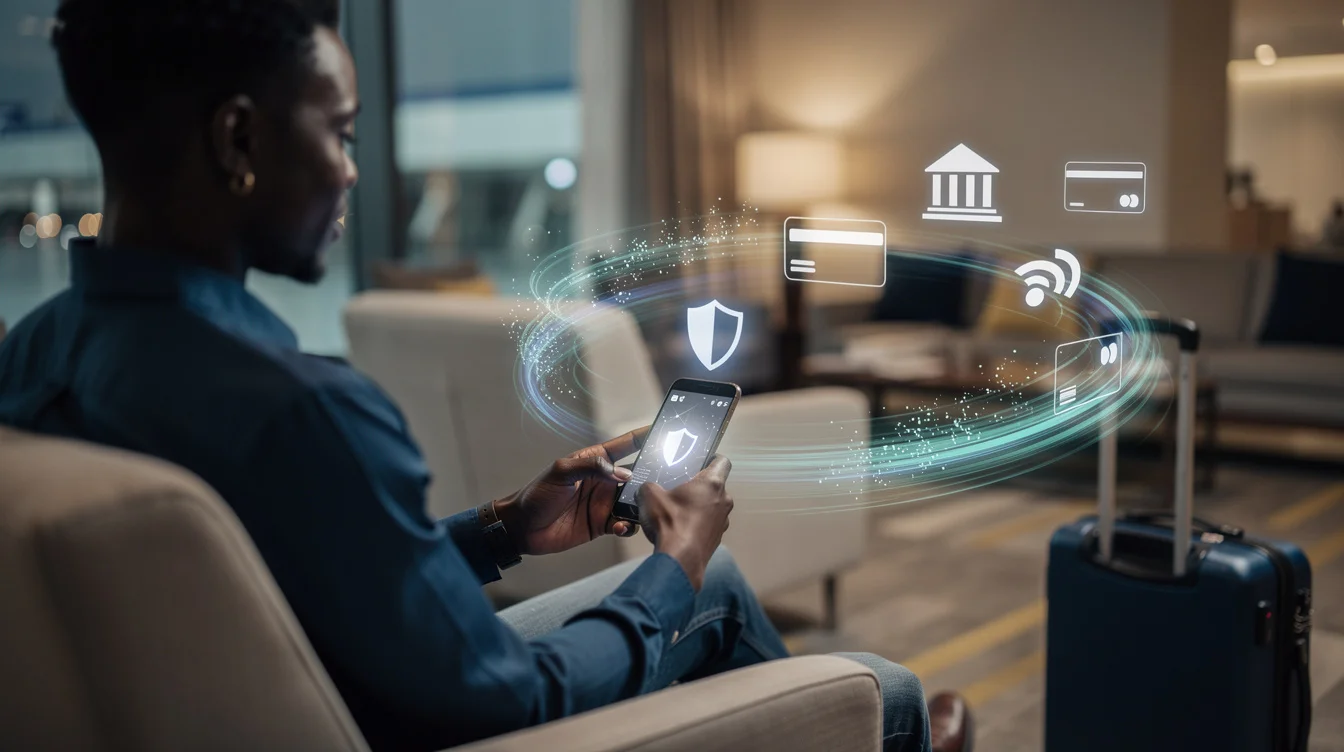
Why Some Banking Apps Block VPN Connections is a practical safety guide, not a promise that a VPN will make every financial app work. A VPN can protect traffic on unsafe networks, but banks and payment platforms also use device, location, SIM, app, and fraud signals. The safest approach is to use a VPN deliberately, test before urgent transactions, and avoid sudden location changes that look suspicious.
VPNFixer pick
Want safer everyday browsing?
For public WiFi, privacy, banking, mobile browsing, and beginner-friendly protection, AdGuard VPN is the stronger first option to test.
Try AdGuard VPNSome links are affiliate links. VPNFixer may earn a commission at no extra cost to you.
Short version
Use a VPN for privacy on risky networks, especially hotel, airport, café, and shared WiFi. Do not use it as a trick to hide from your bank or payment provider. For banking apps, stable location behavior matters more than chasing the fastest random server.
- Prefer one consistent VPN location when accessing financial apps.
- Avoid free VPNs for banking or payment accounts.
- Test login before you travel or before an urgent transfer.
- If a bank blocks the VPN, disconnect and use trusted mobile data instead.
Why VPNs and financial apps can conflict
Financial apps are designed to stop fraud. They may compare your current IP address with your usual country, device fingerprint, SIM location, GPS hints, recent login history, and transaction pattern. A VPN changes the network location, so a sudden jump from Lagos to another country can look unusual even when you are the legitimate account owner.
This is why a VPN can be useful for privacy but still cause login checks, OTP delays, blocked sessions, or extra verification. The VPN is not always broken. Sometimes the financial app is doing exactly what it was built to do: protect accounts from suspicious access.
When using a VPN makes sense
A VPN makes the most sense when the network itself is untrusted. Hotel WiFi, airport WiFi, shared office networks, cafés, and public hotspots can expose traffic patterns and make device attacks easier. A reputable VPN adds an encrypted tunnel between your device and the VPN server, which reduces what the local network can observe.
It also helps when traveling and using networks you do not control. Nigerians abroad may switch between airport WiFi, hotel WiFi, roaming SIMs, and foreign mobile networks in the same day. In that situation, privacy is useful, but consistency is still important. Use the same trusted device, avoid unnecessary server changes, and keep your banking app updated.
When not to use a VPN with banking apps
Do not force a VPN if the app clearly refuses the connection or triggers repeated security checks. Repeated failed logins can create a bigger problem than temporarily disconnecting. If you need to make an urgent transfer, use your private mobile data connection, confirm the official app, and reconnect the VPN only after the transaction is complete.
You should also avoid unknown free VPN apps for financial activity. Free services may be slow, crowded, poorly maintained, or unclear about data handling. With money apps, reliability and trust matter more than saving a small subscription fee.
Safe setup checklist
| Step | What to do | Why it matters |
|---|---|---|
| Server choice | Use a consistent nearby or home-region server | Reduces suspicious location jumps |
| Protocol | Use automatic or WireGuard if stable | Balances speed and reliability |
| Device | Use your normal phone or laptop | New device plus VPN can look risky |
| Network | Prefer mobile data for urgent transactions | Reduces public WiFi exposure and VPN conflict |
| Testing | Try a small login/check before travel | Finds problems before they become urgent |
Step-by-step: safer use with banking apps and financial services
- Update the banking, payment, or travel app before leaving home.
- Turn on two-factor authentication and confirm your recovery email/phone works.
- Choose one VPN server location and avoid switching repeatedly during a session.
- Open the app and check balance or basic access before attempting a major transaction.
- If the app refuses login, disconnect the VPN and retry on trusted mobile data.
- If security checks appear, complete them slowly and avoid repeated rapid login attempts.
- After using public WiFi, log out of sensitive accounts and disable auto-connect on unknown networks.
Common problems and what they mean
A login error immediately after connecting to a VPN often means the service dislikes that VPN server or the location looks unusual. An OTP delay may be a mobile network or roaming issue, not a VPN issue. A payment hold can happen because the account sees a different country, device, merchant, or transaction pattern. Slow loading usually points to VPN speed, DNS, or weak public WiFi.
Do not treat every issue as something to bypass. With finance apps, some friction is protective. The goal is to keep access reliable without weakening account security or creating a trail of suspicious failed attempts.
Travel preparation for Nigerians
Before traveling, install and test your VPN at home. Confirm your bank app opens, your payment app can log in, and your email recovery works. If your bank has a travel notice feature or customer support channel, save it before departure. Keep a backup internet option, such as roaming mobile data or a trusted local SIM, because public WiFi can be unreliable when you urgently need account access.
Save official support links and phone numbers from inside the app or bank website, not from random search results. Scam support pages often target travelers who are panicking after a blocked login. If a transaction is important, do it before traveling or from a private connection rather than from an airport lounge five minutes before boarding.
Public WiFi safety habits
On hotel and airport WiFi, avoid networks with lookalike names. Confirm the official network name with staff when possible. Do not install certificates, profiles, or apps just to access free WiFi unless you fully trust the provider. Use HTTPS websites, keep your VPN on for browsing, and avoid entering banking details on shared computers.
If you must use a financial app on public WiFi, use your own device, enable the VPN before opening the app, and avoid multitasking with unknown tabs or downloads. After the session, close the app, disconnect from the WiFi if you do not need it, and check account notifications for unusual activity.
Choosing a VPN for banking and travel
For this use case, choose stability over hype. A useful VPN should have reliable mobile apps, clear protocol options, a kill switch, quick server switching, and a refund window. It should not make unrealistic promises about bypassing every bank or payment platform. Good support matters because you may need help while abroad, on hotel WiFi, or before an urgent payment.
AdGuard VPN is worth reviewing if you want a privacy-first option with a polished app experience. IceVPN can be considered as a budget backup. Whichever you choose, test it with normal browsing and low-risk account checks before using it for anything time-sensitive.
Practical recovery plan if access fails
If an important app stops working, keep the recovery process calm and boring. First, stop switching VPN servers because rapid country changes can make the session look even stranger. Second, close the app completely and retry once on your trusted mobile data connection. Third, check whether your OTP channel is working, especially if you are roaming outside Nigeria. Fourth, use only official support channels inside the app or on the bank website. Do not search social media for emergency support numbers.
If you are abroad and cannot receive SMS, try email-based recovery or in-app device verification if it is already enabled. Avoid uninstalling the app unless support tells you to, because reinstalling can remove trusted-device signals and create another verification loop. For payment platforms, do not repeatedly attempt the same transfer from different VPN locations; wait, verify your identity if requested, and document the error message before contacting support.
Final recommendation
Use a VPN with financial apps for privacy, not for deception. Keep your location behavior consistent, avoid free VPNs, and have a fallback connection ready. If the app blocks the VPN, do not fight it endlessly; switch to trusted mobile data, complete the task safely, and troubleshoot later.
Before you choose
Test privacy, speed, and app behavior first
AdGuard VPN is the better first test for everyday privacy, public WiFi, banking, and mobile browsing. Try nearby servers first, then compare speed with VPN on and off.
Get AdGuard VPNSome links are affiliate links. VPNFixer may earn a commission at no extra cost to you.
FAQ
Can a VPN get my banking app blocked?
It can trigger extra checks or temporary access problems if the location looks unusual. Permanent account action depends on the bank or payment platform rules, so use a VPN carefully and consistently.
Is public WiFi safe if I use a VPN?
A VPN improves privacy on public WiFi, but it does not make every network safe. Still avoid suspicious networks, fake login pages, unknown downloads, and shared computers.
Should Nigerians abroad use a Nigeria VPN server?
Sometimes a familiar region can reduce unusual-login signals, but it depends on the app. Test before you travel and avoid switching countries repeatedly during sensitive sessions.
What should I do if banking apps and financial services blocks my VPN?
Stop repeated login attempts. Disconnect the VPN, use trusted mobile data, complete any official verification, and contact the provider through the official app or website if access remains blocked.